Arduino ESC control
Arduino uno 9번핀에 ESC 연결하고 테스트 하는 코드.
ref: https://gist.github.com/col/8170414
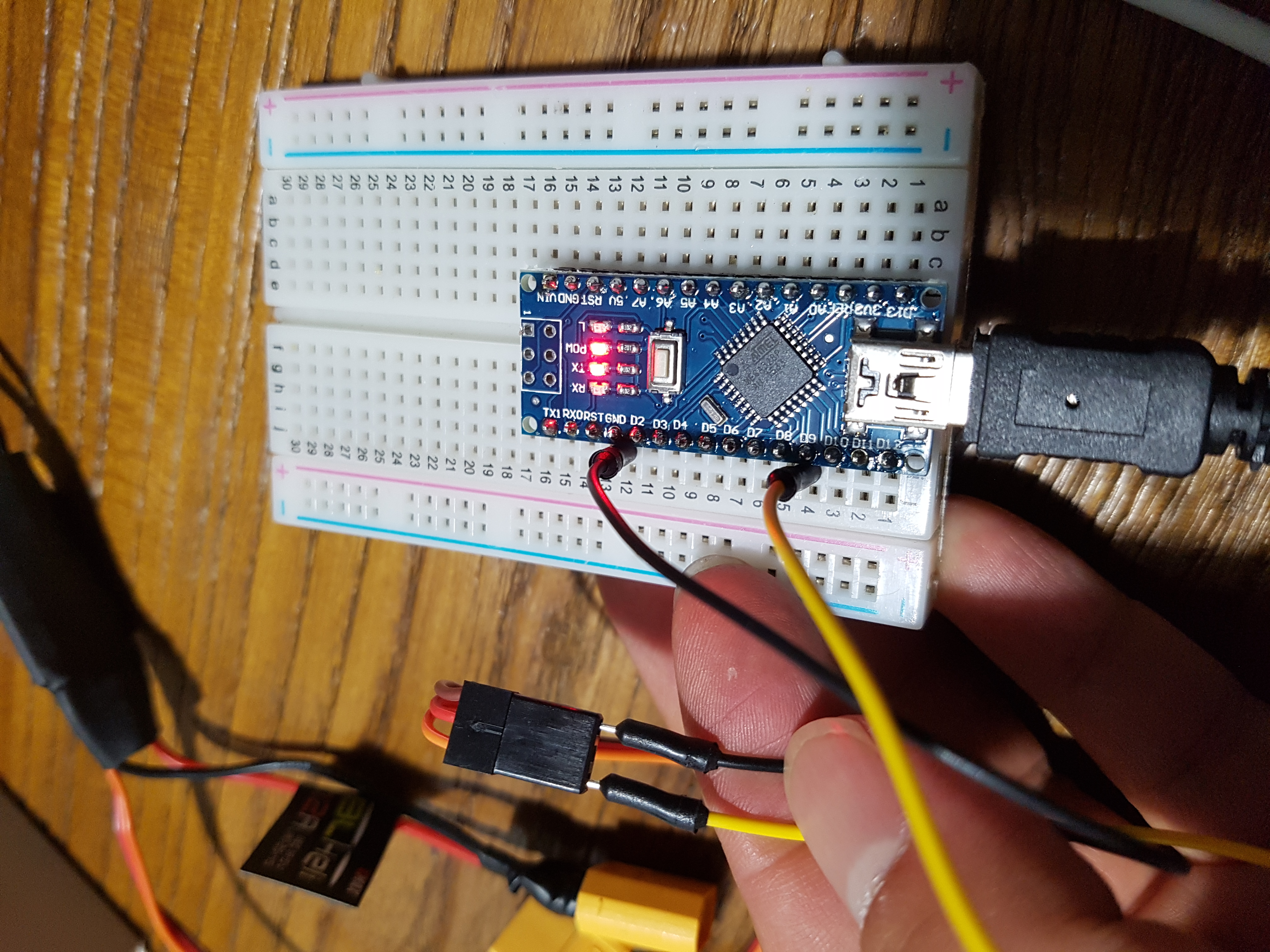
#include <Servo.h>

Servo esc;

int escPin = 9;
int minPulseRate = 1000;
int maxPulseRate = 2000;
int throttleChangeDelay = 100;

void setup() {

  Serial.begin(9600);
  Serial.setTimeout(500);

  // Attach the the servo to the correct pin and set the pulse range
  esc.attach(escPin, minPulseRate, maxPulseRate);
  // Write a minimum value (most ESCs require this correct startup)
  esc.write(0);

}

void loop() {

  // Wait for some input
  if (Serial.available() > 0) {

    // Read the new throttle value
    int throttle = normalizeThrottle( Serial.parseInt() );

    // Print it out
    Serial.print("Setting throttle to: ");
    Serial.println(throttle);

    // Change throttle to the new value
    changeThrottle(throttle);

  }

}

void changeThrottle(int throttle) {

  // Read the current throttle value
  int currentThrottle = readThrottle();

  // Are we going up or down?
  int step = 1;
  if( throttle < currentThrottle )
    step = -1;

  // Slowly move to the new throttle value
  while( currentThrottle != throttle ) {
    esc.write(currentThrottle + step);
    currentThrottle = readThrottle();
    delay(throttleChangeDelay);
  }

}

int readThrottle() {
  int throttle = esc.read();

  Serial.print("Current throttle is: ");
  Serial.println(throttle);

  return throttle;
}

// Ensure the throttle value is between 0 - 180
int normalizeThrottle(int value) {
  if( value < 0 )
    return 0;
  if( value > 180 )
    return 180;
  return value;
}