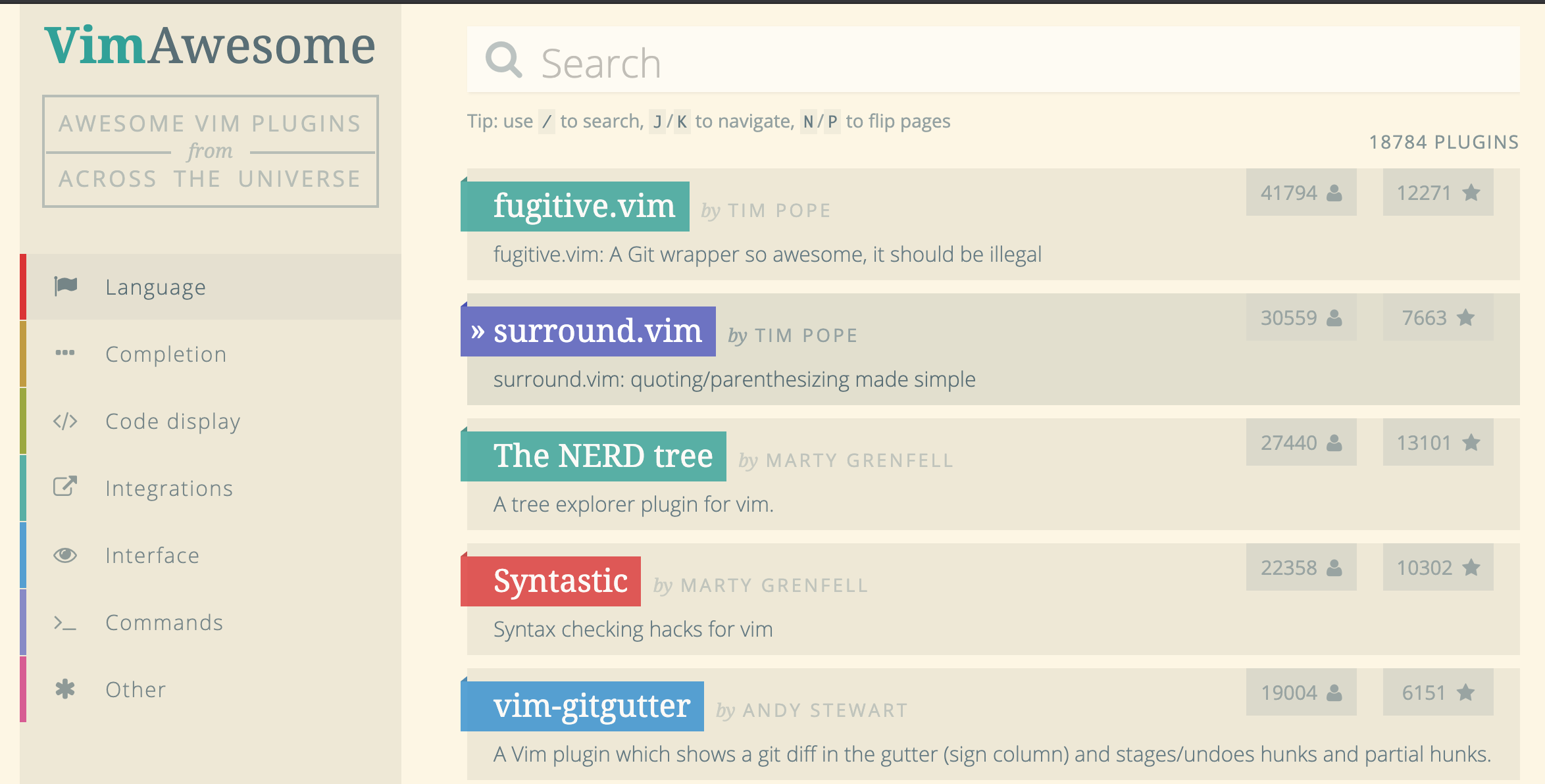
vim Awesome version
vim 한번 설치하면 그냥 쓰던거 쓰는데.. 하나로 이쁘게 모아준 버젼이 있네 . ^^;
How to install the Awesome version?
Install for your own user only
The awesome version includes a lot of great plugins, configurations and color schemes that make Vim a lot better. To install it simply do following from your terminal:
git clone –depth=1 https://github.com/amix/vimrc.git ~/.vim_runtime
sh ~/.vim_runtime/install_awesome_vimrc.sh
스타일을 바꾸고 싶을때~~~
:colorscheme darkblue

file 찾기 : Ctrl+f
이전에 열었던 파일 보기 : mru
tree 보기 : NERD
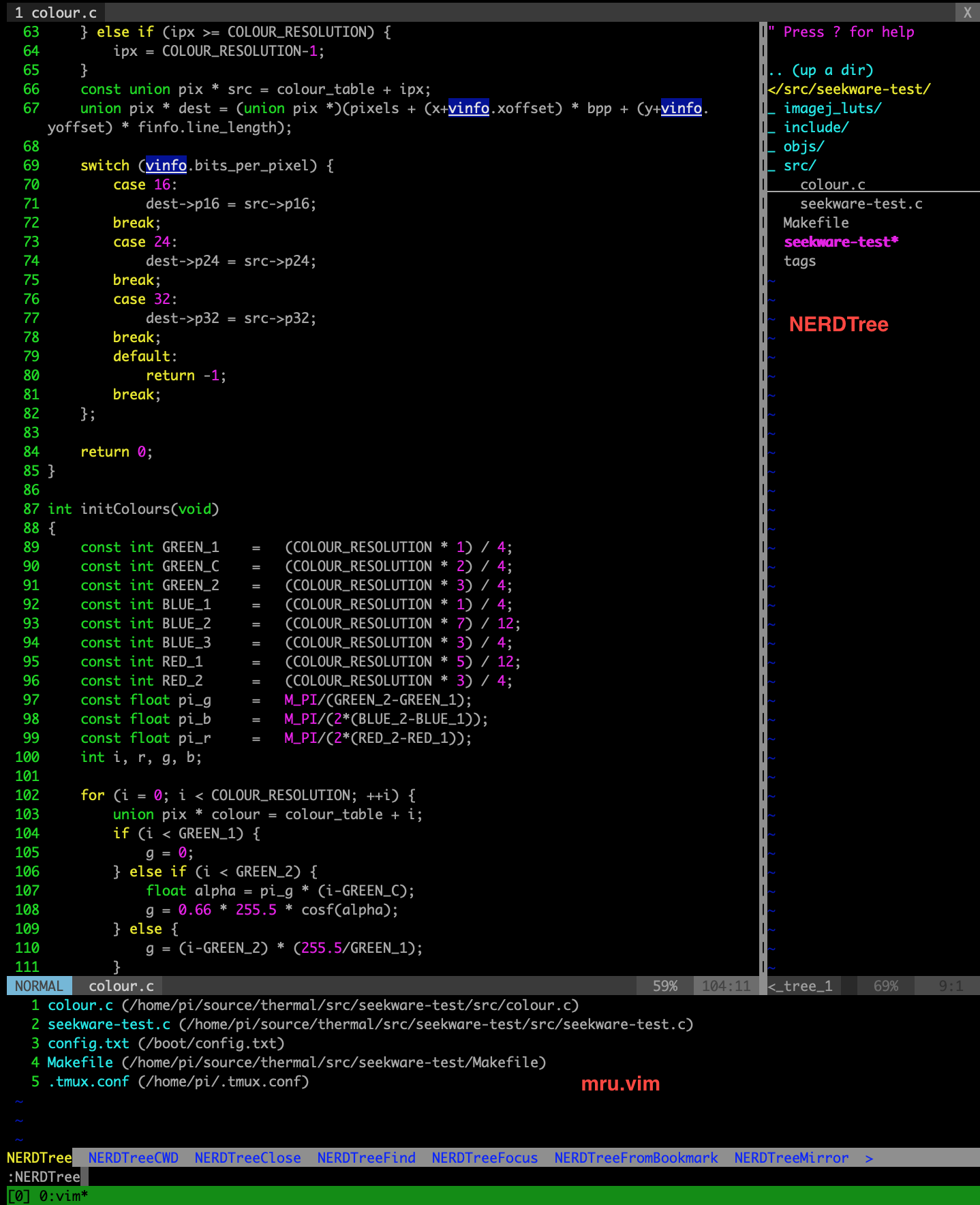
엄. Tlist 가 없는듯… 설치하자.
git에서 받고 사용하던데로 :tlist를 호출하면 된다.
pi@raspberrypi:~/.vim_runtime $ git clone https://github.com/vim-scripts/taglist.vim.git my_plugins/taglist
Cloning into ‘my_plugins/taglist’…
remote: Enumerating objects: 120, done.
remote: Total 120 (delta 0), reused 0 (delta 0), pack-reused 120
| Receiving objects: 100% (120/120), 108.01 KiB | 0 bytes/s, done. |
Resolving deltas: 100% (30/30), done.
좋다.. 흐흐흐
https://vimawesome.com/ 요런곳도 있구요.